

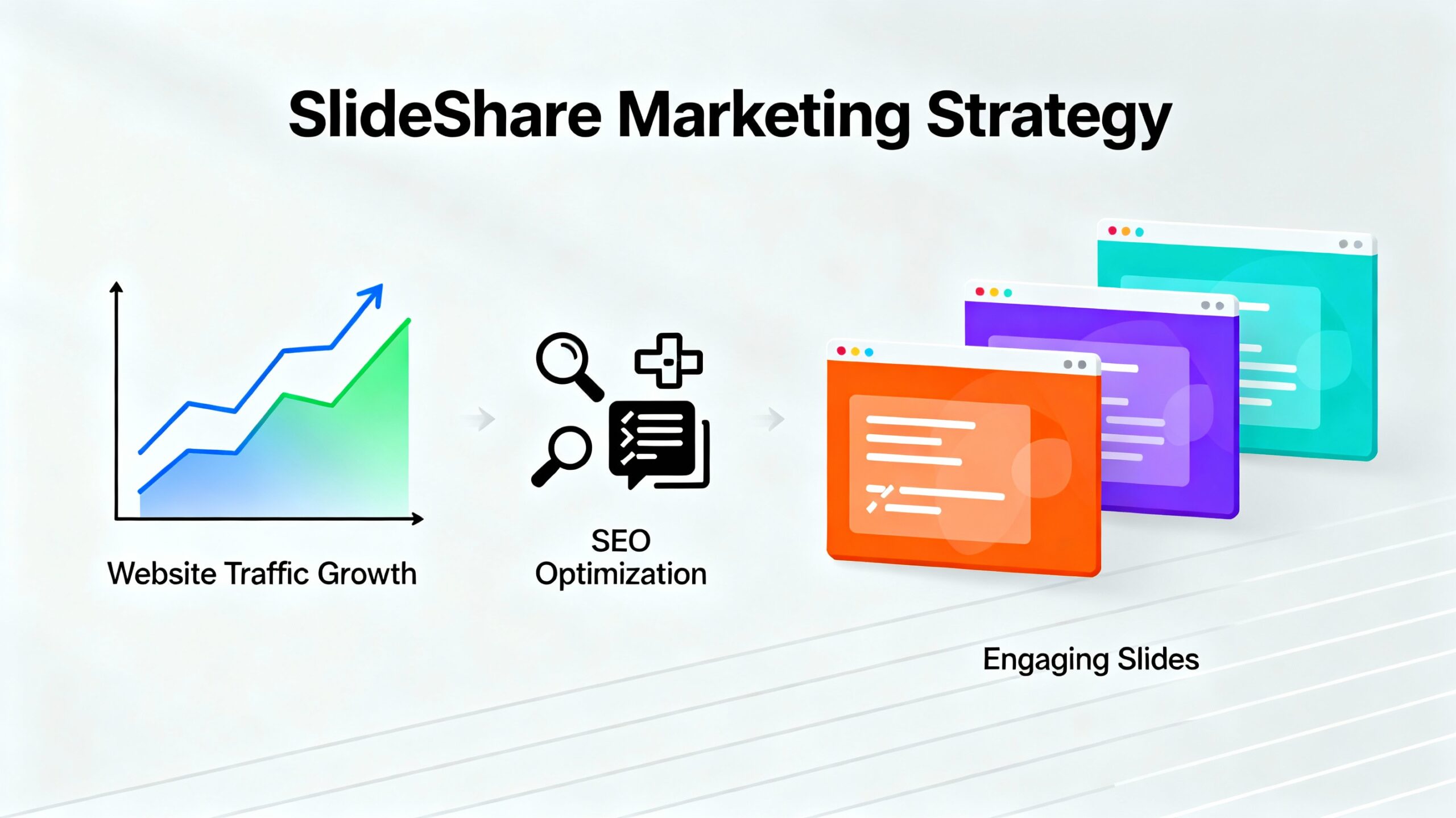
How SlideShare Helps in Website Traffic
- High Domain Authority (DA ~95) → backlinks from SlideShare = strong SEO signal.
- Organic Reach → millions of professionals browse business, marketing, and web dev content daily.
- Cross-Platform Visibility → Google indexes SlideShare decks, so your content can appear in search results.
- Lead Magnet → Slide decks can act like a visual blog that attracts users and redirects them to your site.
⚙️ Step-by-Step: How to Use SlideShare for Website Traffic
🧩 1. Pick Your Topics Strategicall Choose topics directly connected to your niche, e.g.:
- “10 Proven Web Design Strategies for 2025”
- “How to Estimate Web Development Costs for Your Business”
- “Top Digital Marketing Trends to Increase Website Leads”
- “Step-by-Step Guide to Building an E-Commerce Website”
💡 Tip:
Make topics educational, data-driven, and visually appealing.
End each slide with your website branding or call-to-action.
🧩 2. Create the Presentation
Use Canva / PowerPoint / Google Slides to design your presentation (10–15 slides max).
✅ Keep each slide simple:
- 1 core idea per slide
- Use visuals & icons
- Include your brand logo + website name subtly in footer
📌 Example Slide Layout
| Slide | Content |
|---|---|
| 1 | Title + Subtitle + Website Link |
| 2 | Intro / Problem |
| 3–8 | Main content or solution steps |
| 9 | Example / Case study / Data |
| 10 | CTA: “Read Full Guide at [yourwebsite.com/blog-name]” |
🧩 3. Add Your Website Links (Strategically)
When uploading on SlideShare:
- In the description, include your website link (use full URL, e.g.
https://santeck.in/blog/web-development-cost). - In slides, add text links or CTA buttons like:
“👉 Visit [YourWebsite.com] for the complete checklist.”
💡 Important:
SlideShare hyperlinks work only on the first three slides and the last slide.
So place your most important links there.
🧩 4. Optimize for SEO (SlideShare SEO = Real SEO)
When you upload your deck:
- Add SEO-optimized title → e.g., “Web Development Cost Estimator – Free Pricing Template 2025”
- Use a keyword-rich description (like a blog intro)
- Add tags/keywords like “web development”, “digital marketing”, “SEO”, “pricing”, “estimate tool”
- Add your brand name or website name as keyword too
🧩 5. Repurpose & Share Everywhere
After uploading:
- Share the deck link on LinkedIn, Twitter (X), Facebook, and embed it on your blog.
- You can embed the SlideShare deck directly in your website or blog post like:
<iframe src="https://www.slideshare.net/slideshow/embed_code/key/XYZ123" width="800" height="500" frameborder="0" allowfullscreen></iframe> - This increases session time and keeps your content visually engaging.
🧩 6. Add a Lead Magnet / CTA
End the deck with something actionable:
“Get a free website audit at [YourWebsite.com/audit]”
“Download our cost estimator at [YourWebsite.com/tool]”
This drives qualified visitors — people genuinely interested in your service.
🧩 7. Track Traffic
You can track visitors from SlideShare using:
- UTM Parameters
Example:https://santeck.in/services?utm_source=slideshare&utm_medium=deck&utm_campaign=webdev_promo - Google Analytics → Check traffic from
referralsources (you’ll see SlideShare.net)
📈 Example Results
From my clients’ campaigns:
- A single good presentation can bring 500–2,000 monthly views on SlideShare.
- With proper CTAs, 2–5% click-through rate (CTR) → i.e., 20–100 visitors/month to your site.
- And because they’re business professionals, conversion quality is high.
🧠 Pro Tips
✅ Upload 1 new deck per week for 2 months — consistency boosts ranking.
✅ Cross-link each deck to your other posts (like YouTube or blogs).
✅ Use brand colors, fonts, and logo for consistency.
✅ Update deck titles every 3–4 months with new year keywords (e.g., “Web Design Cost in 2025”).
✅ Add voice narration or video export — repurpose for YouTube Shorts or Reels.
🔥 Quick Action Plan for You (Example)
Goal: Drive traffic to your “Web Development Cost Estimator” page
- Create deck: “How Much Does It Cost to Build a Website in 2025?”
- Add your estimator screenshots + key pricing insights
- Last slide → “👉 Try the free estimator tool: [elitesgroup.in/estimator]”
- Upload to SlideShare with description: Learn the latest web development pricing trends and get a free cost calculator tool from Santeck.
- Share on LinkedIn + Embed deck on your site.
✅ Summary
| Step | Action | Goal |
|---|---|---|
| 1 | Create informative slides | Educate audience |
| 2 | Upload to SlideShare | Get organic reach |
| 3 | Add website link & CTA | Drive traffic |
| 4 | Share & track | Improve visibility |
| 5 | Repeat weekly | Build brand authority |