
Top MS Office AI Tools 2026: Ultimate List, Free Downloads & GitHub Scripts
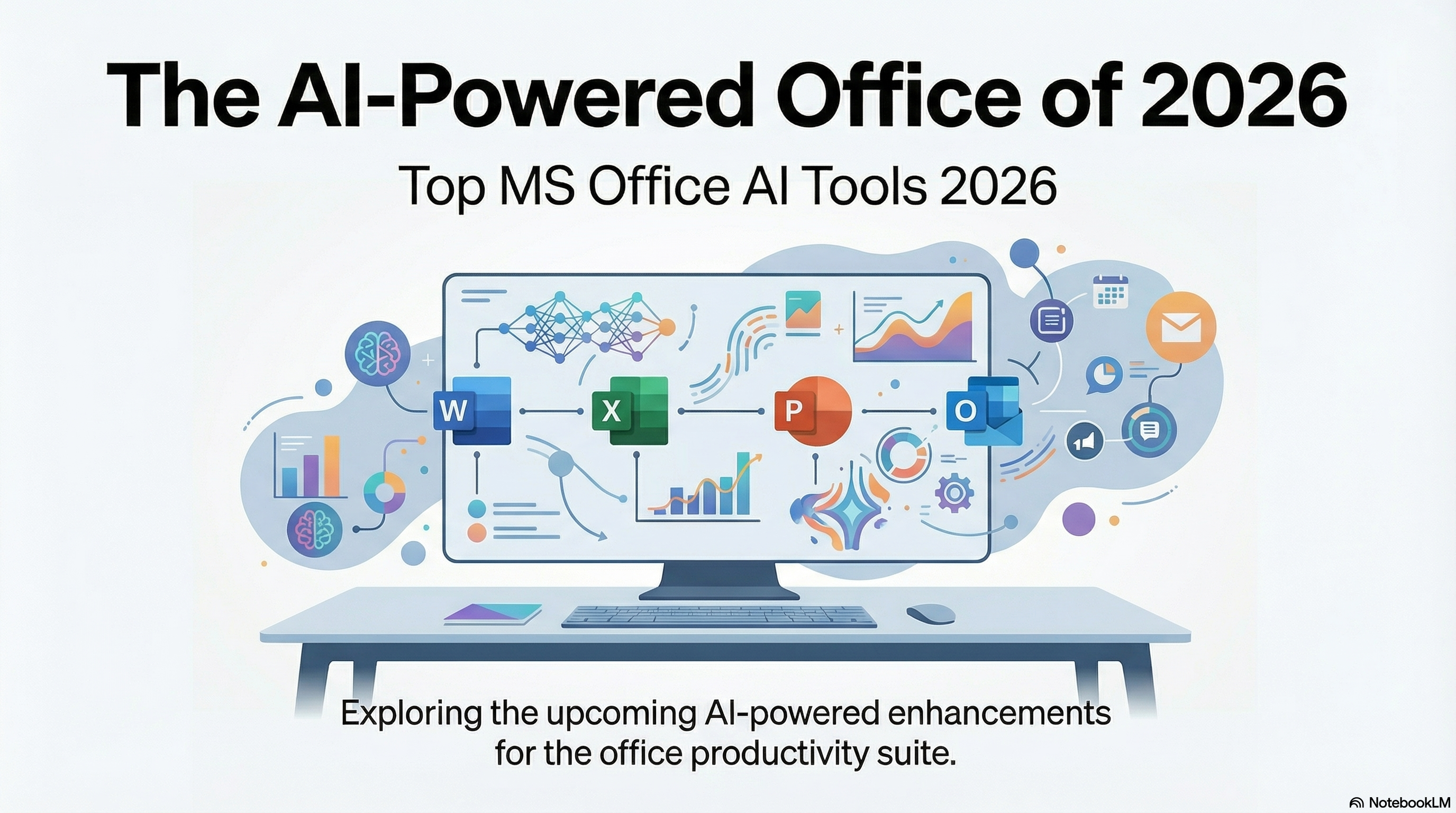
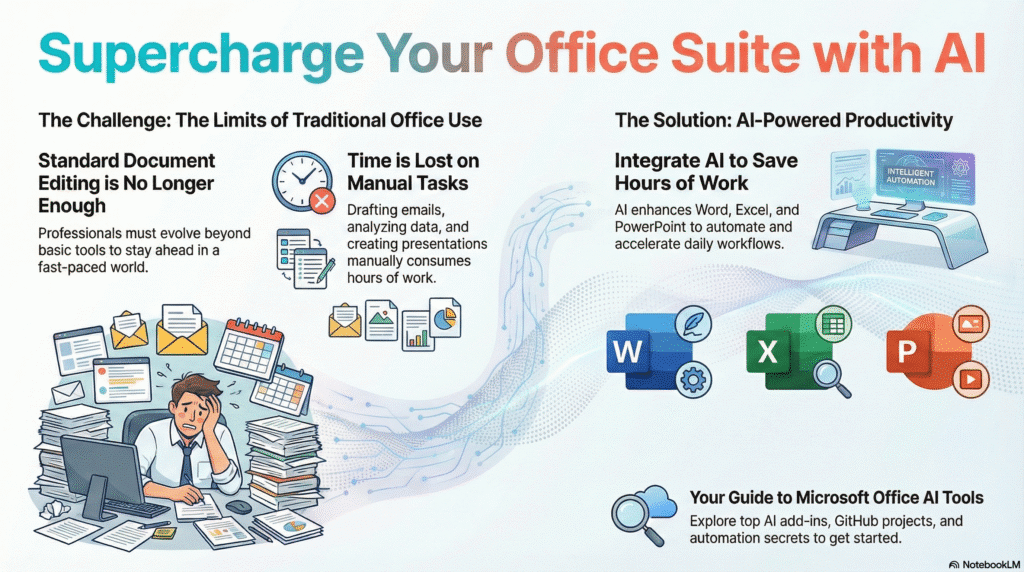
In the fast-paced world of technology, standard document editing is no longer enough. To stay ahead, professionals are now integrating Ms office ai tools into their daily workflows. Whether you are drafting emails in Word, analyzing complex data in Excel, or creating presentations in PowerPoint, Artificial Intelligence can save you hours of work.
If you are looking for a comprehensive Microsoft AI tools list or searching for Ms office ai tools free download options, you have come to the right place. In this guide, we will explore the best AI add-ins, GitHub projects, and automation secrets for Microsoft Office.
What is the Official Microsoft Artificial Intelligence Name?
Before we dive into third-party tools, it is important to know the official solution. The official Microsoft artificial intelligence name integrated into the Office ecosystem is Microsoft Copilot.
Copilot is built directly into Microsoft 365, allowing you to generate text, summarize emails, and create data visualizations using natural language prompts. However, Copilot is a paid service. Fortunately, there are many Free AI tools for MS Office that you can use today.
Complete Ms Office AI Tools List (Categorized)
We have curated the best Ms office ai tools list to help you choose the right software for your needs.
1. Best AI Tools for MS Word
Writing reports and articles has never been easier. Here are the top AI tools for MS Word:
- GrammarlyGO: Beyond spell check, this AI helps rewrite sentences and adjust tone directly inside Word.
- Ghostwriter: An add-in that brings ChatGPT directly into your Word document.
- Wordtune: incredible for rewriting and paraphrasing text to make it sound more professional.
2. Best AI Tools for Excel
- Formula Bot: Stops you from memorizing complex formulas. Just type what you want to do in English, and it generates the formula.
- SheetAI: Uses GPT-4 to automate repetitive tasks inside spreadsheets.
3. Best AI Tools for PowerPoint
- SlidesAI: Converts raw text into professional presentation slides in seconds.
- Beautiful.ai: An intelligent design tool that adjusts your slides automatically as you add content.
| Tool Name | Description | Download / Visit Link |
| Microsoft AppSource (AI) | Official Microsoft Store for all AI Add-ins. | Visit Store |
| Grammarly for Office | Best for grammar & tone correction in Word/Outlook. | Download Free |
| Formula Bot | Excel formulas generate karta hai text se. | Visit Formula Bot |
| SlidesAI.io | Text se automatic PowerPoint presentation banata hai. | Visit SlidesAI |
| QuillBot for Word | Content rewriting aur paraphrasing ke liye best. | Get QuillBot |
| Wordtune | Sentences ko professional banata hai (Rewrite tool). | Get Wordtune |
| Ghostwriter Add-in | ChatGPT ko seedha MS Word ke andar lata hai. | Visit Ghostwriter |
| DeepL Translate | Best AI translator for Word/PowerPoint documents. | Get DeepL |
| LanguageTool | Open-source grammar checker for Word. | Download LT |
| Microsoft Copilot | Official AI assistant by Microsoft (Premium). | Learn More |
Ms Office AI Tools GitHub: Open Source Power
For developers and tech enthusiasts, Ms office ai tools github repositories offer powerful, free alternatives. These are usually VBA scripts or Python automation tools that you can integrate with Office.
Why use GitHub tools?
- Automation: Great for creating macros that connect Excel with AI APIs like OpenAI.
- Completely Free: No monthly subscriptions.
- Customizable: You can modify the code to fit your specific needs.
| Repository Name | Description (Developer Use) | GitHub Link |
| Word-GPT-Plus | Integrate ChatGPT directly into MS Word (Popular). | View Code |
| xlwings | Python ko Excel ke sath jodne wala sabse powerful tool. | View Library |
| Excel-ChatGPT | VBA script to run ChatGPT inside Excel cells. | View Script |
| python-pptx | Python code se PowerPoint slides banane ki library. | View Code |
| openpyxl | Excel files ko read/write karne ke liye Python library. | View Repo |
| XlsxWriter | Excel files create karne ke liye fast engine. | View Repo |
| Office-Addin-TaskPane | Microsoft ka official sample code apna add-in banane ke liye. | View Sample |
| VBA-OpenAI-API | Simple VBA code to call OpenAI API from any Office app. | View Code |
| docxtpl | Word templates (.docx) ko Python se automate karne ke liye. | View Library |
| Awesome-Excel-AI | List of various AI tools for Excel (Collection). | Explore Topic |
(Check out the “Shop” section on Webleex.me for premium source codes and automation scripts similar to these projects.)
How to Get Ms Office AI Tools Free Download
Many users search for Ms office ai tools download or cracked versions. We strongly advise against using cracked software as it poses security risks. Instead, follow these legal ways to get AI tools for free:
- Use Office Add-ins Store: Open Word or Excel, go to the “Home” tab, and click on “Add-ins”. Search for “AI” to find free tools.
- Free Tier Plans: Tools like Grammarly and ChatGPT have free versions that integrate seamlessly.
- VBA Macros: You can write your own simple AI scripts (or find them on our blog) to automate tasks without installing external software.
Conclusion
Integrating Ms office ai tools into your workflow is no longer a luxury; it is a necessity for productivity. Whether you choose the premium Microsoft Copilot or opt for Free AI tools for MS Office, the goal is to work smarter, not harder.