

Use Hashcat GPU-Based Password Recovery Tool for Security not for password Crack
What Exactly is Hashcat?
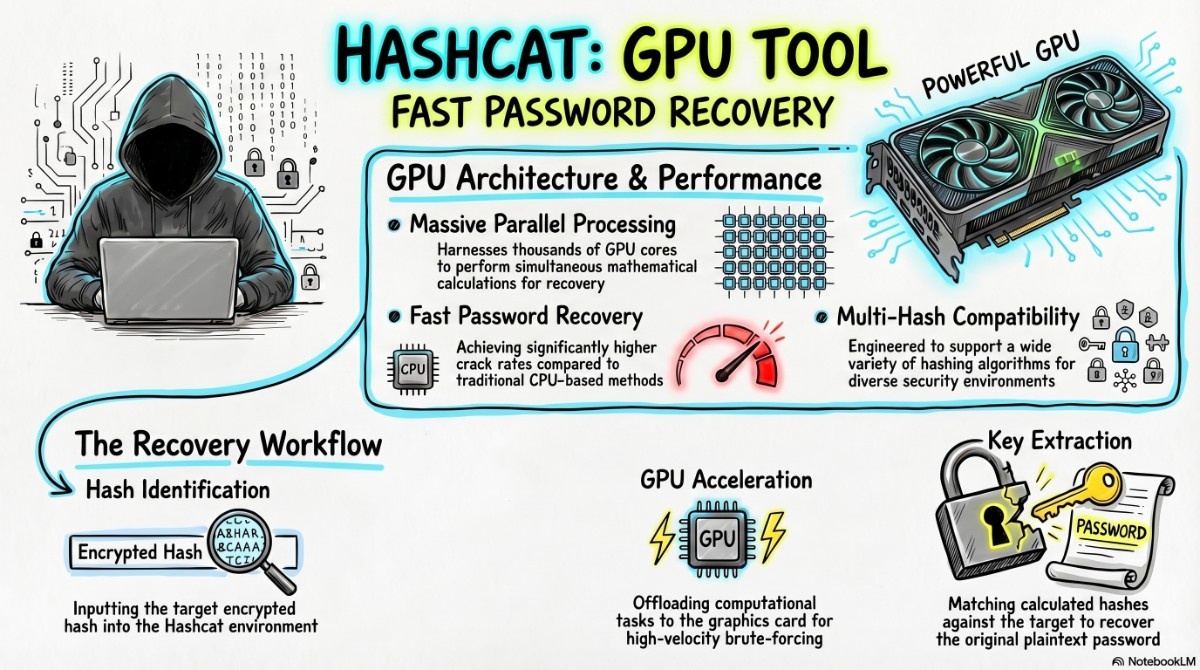
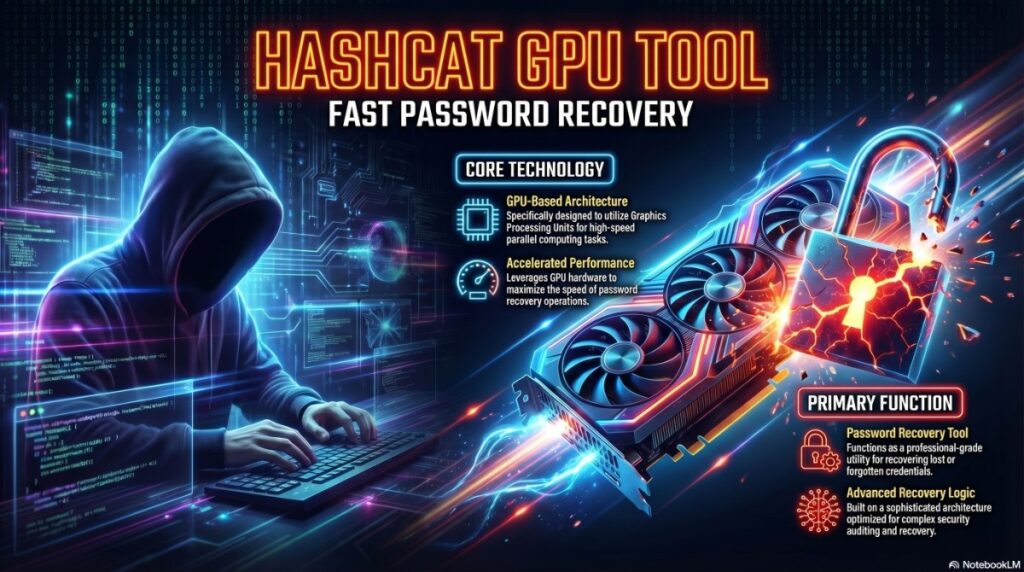
At its core, Hashcat is an advanced GPU-based password recovery tool. Unlike traditional CPU crackers that might churn through a few thousand guesses per second, Hashcat leverages the thousands of cores inside modern NVIDIA or AMD graphics cards to reach speeds of billions of guesses per second against fast algorithms like MD5 or NTLM.
It supports over 300 highly optimized hashing algorithms and five distinct attack modes. This versatility allows you to tailor your approach from a simple dictionary sweep to a complex, rule-based assault that mimics human password creation patterns.
Simple Language Me Hashcat Kya Hai?
Straight baat:
👉 Hashcat ek GPU-based password recovery tool hai
👉 Ye passwords ko “guess” nahi karta — calculate karta hai ultra fast speed se
👉 Aur ye kaam CPU nahi, GPU karta hai (jo thousands cores use karta hai)
Isliye ye duniya ka fastest tool mana jata hai password cracking ke liye.
🤔 Problem Samjho Pehle…
Aaj kal sab jagah passwords hi passwords hain — websites, apps, WiFi, systems. Lekin real problem kya hai?
👉 Log strong password use hi nahi karte.
👉 Companies assume karti hain ki unka system secure hai.
👉 Aur jab breach hota hai tab pata chalta hai ki passwords kitne weak the.
Toh sawal ye hai:
“Kaise check kare ki password actually secure hai ya nahi?”
Yahi kaam karta hai Hashcat
⚡ Real Life Example
Socho:
Tumhare paas ek database aaya (legal testing ke liye obviously 😄)
Usme passwords plain text me nahi hain — hash format me hain
Jaise:
5f4dcc3b5aa765d61d8327deb882cf99Ab problem:
👉 Ye password kya hai?
👉 User ne kya set kiya tha?
👉 Yaha Hashcat use hota hai.
Installation and Verification
Most security-focused distributions, like Kali Linux or Parrot OS, come with Hashcat pre-installed. However, if you’re on a vanilla Debian/Ubuntu setup or need the latest version, getting started is straightforward.
Check karo already installed hai ya nahi:
which hashcatInstall karne ke liye:
sudo apt install hashcatPro Tip: For absolute maximum performance, especially on newer GPU architectures, consider downloading the binaries directly from the official Hashcat website rather than relying on the slightly older apt repository version. This ensures you have the latest CUDA or OpenCL optimizations.
🧠 Basic Command Samjho (Important)
hashcat -m <hash_type> -a <attack_mode> <hash_file> [wordlist]Thoda breakdown:
-m→ kaunsa hash hai (MD5, NTLM, etc.)-a→ kaise crack karna hai (dictionary ya brute force)hash_file→ jisme hash saved haiwordlist→ passwords ki list
🔥 Ab Real Problem Solve Karna Start Karte Hain
🧩 Case 1: Simple Password Crack (Sabse Common)
hashcat -m 0 -a 0 hashes.txt rockyou.txt👉 Use kab kare?
- Jab tumhe lagta hai user ne simple password use kiya hai
👉 Example passwords:
- 123456
- password
- india123
👉 Ye sab wordlist me already hota hai
🧩 Case 2: Windows Password Check (NTLM)
hashcat -m 1000 -a 0 hashes.txt wordlist.txt👉 Use kab kare?
- Jab Windows system ka password audit karna ho
👉 Real insight:
Agar ye jaldi crack ho jaye → system weak hai 🚨
🧩 Case 3: Jab Kuch Kaam Na Kare 😅
hashcat -m 0 -a 3 hashes.txt ?a?a?a?a?a?a👉 Ye brute force hai
👉 Matlab:
- Har possible combination try karega
👉 Problem:
- Time bahut lag sakta hai
👉 Solution:
Smart pattern use karo:
?u?l?l?l?l?d?d(Example: Password99)
🧩 Case 4: WiFi Password Check
hashcat -m 2500 -a 0 capture.hccapx wordlist.txt👉 Use kab kare?
- Jab tum WiFi handshake capture kar chuke ho
👉 Reality:
WiFi passwords crack karna slow hota hai
👉 Isliye strong WiFi password safe hota hai 💪
🪜 Step-by-Step Real Workflow
Aise kaam karo like a pro:
1️⃣ Hash identify karo
Kaunsa type hai? (MD5, NTLM…)
2️⃣ Mode number find karo
Wrong hua → result zero
3️⃣ Hash file ready karo
1 line = 1 hash
4️⃣ Wordlist choose karo
Start always with rockyou.txt
5️⃣ Run Hashcat
Aur wait karo
6️⃣ Result dekho
hashcat --show hashes.txt📊 Output Kaise Samjhe?
Tumhe ye sab dikhega:
- Speed (kitni fast chal raha hai)
- Progress (% complete)
- Time remaining
- Result:
hash:password⚠️ Sabse Important Baatein (Ignore Mat Karna)
👉 Sirf wahi crack karo jiska permission ho
👉 GPU heat check karo (overheat danger 🔥)
👉 Good wordlist use karo warna time waste
⚠️ Unauthorized hacking = illegal 🚫
💡 Real Pro Tips
- rockyou.txt + rules = best combo
- Custom wordlist banao (company name, user pattern)
- GPU monitor karo
- Brute force last option rakho
🧠 Final Samajh (Most Important)
Hashcat ka goal hacking nahi hai.
👉 Ye ek testing tool hai
👉 Ye batata hai ki password kitna weak hai
👉 Aur kaise usko strong banana hai
🏁 Conclusion (Simple Language Me)
Agar tum cybersecurity me serious ho:
👉 Hashcat seekhna must hai
👉 Lekin use karna responsibly usse bhi zyada important hai
🔥 Last Line Yaad Rakhna
“Password todna skill nahi hai…
Weak password identify karke system secure banana real skill hai.”

Great post! Really helpful information. I’ve been using Free Image Generator (https://freeimagegenerator.app/) for my creative projects and it has been amazing.
Check out Free Image Generator for more.