
About Wondershare PDFelement Pro 2026
Wondershare PDFelement Pro 2026 is a feature-rich PDF editing solution designed for users who regularly work with digital documents. It provides a streamlined way to edit, organize, convert, and manage PDF files while maintaining document quality and layout consistency.
Built with productivity in mind, the software offers a clean interface and professional tools that help users handle PDFs more efficiently compared to traditional document editors.
PDF Editing and Document Control
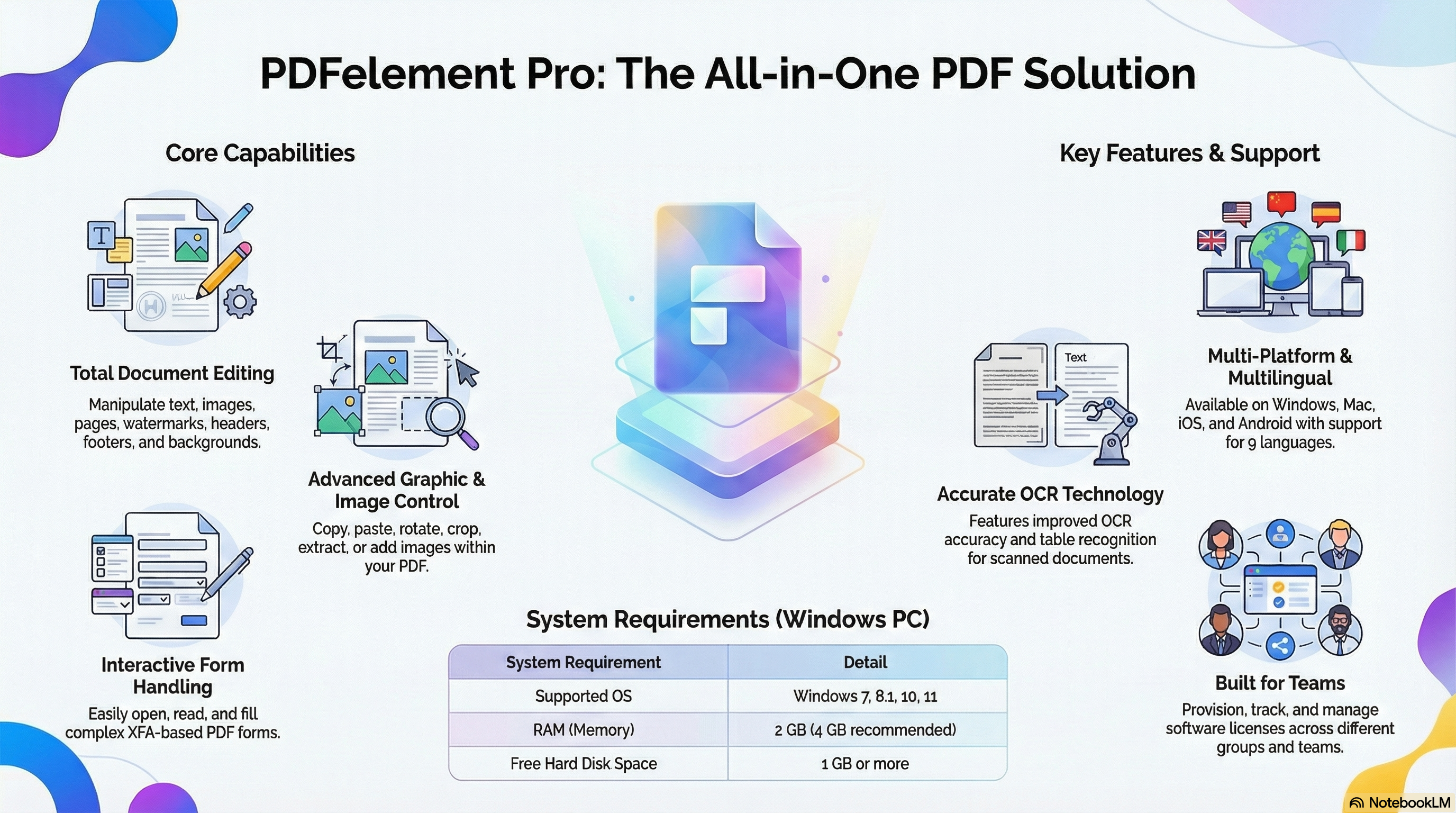
PDFelement Pro allows users to edit text, images, and pages directly within PDF files. You can modify fonts, adjust layouts, insert or remove elements, and customize headers, footers, backgrounds, and watermarks. Page management tools make it easy to reorder, split, merge, or extract pages from large PDF documents.
Image handling is also flexible, with options to crop, rotate, resize, copy, or insert images without converting the PDF to another format.
OCR and Form Handling Capabilities
The software includes advanced OCR functionality that helps convert scanned PDFs into editable and searchable documents. This feature is useful for working with printed contracts, reports, invoices, and archived files.
PDFelement Pro also supports interactive and XFA-based PDF forms, allowing users to fill, save, and manage form data efficiently without relying on additional tools.
User Interface and Language Support
The 2026 version introduces a minimalist yet powerful interface that reduces clutter and improves workflow speed. The software supports multiple languages, making it suitable for international users and teams working across regions.
Platform Compatibility
Wondershare PDFelement Pro is available across multiple platforms, including Windows, macOS, iOS, and Android. This cross-platform support helps users maintain consistency while working on documents from different devices.
System Requirements (Windows)
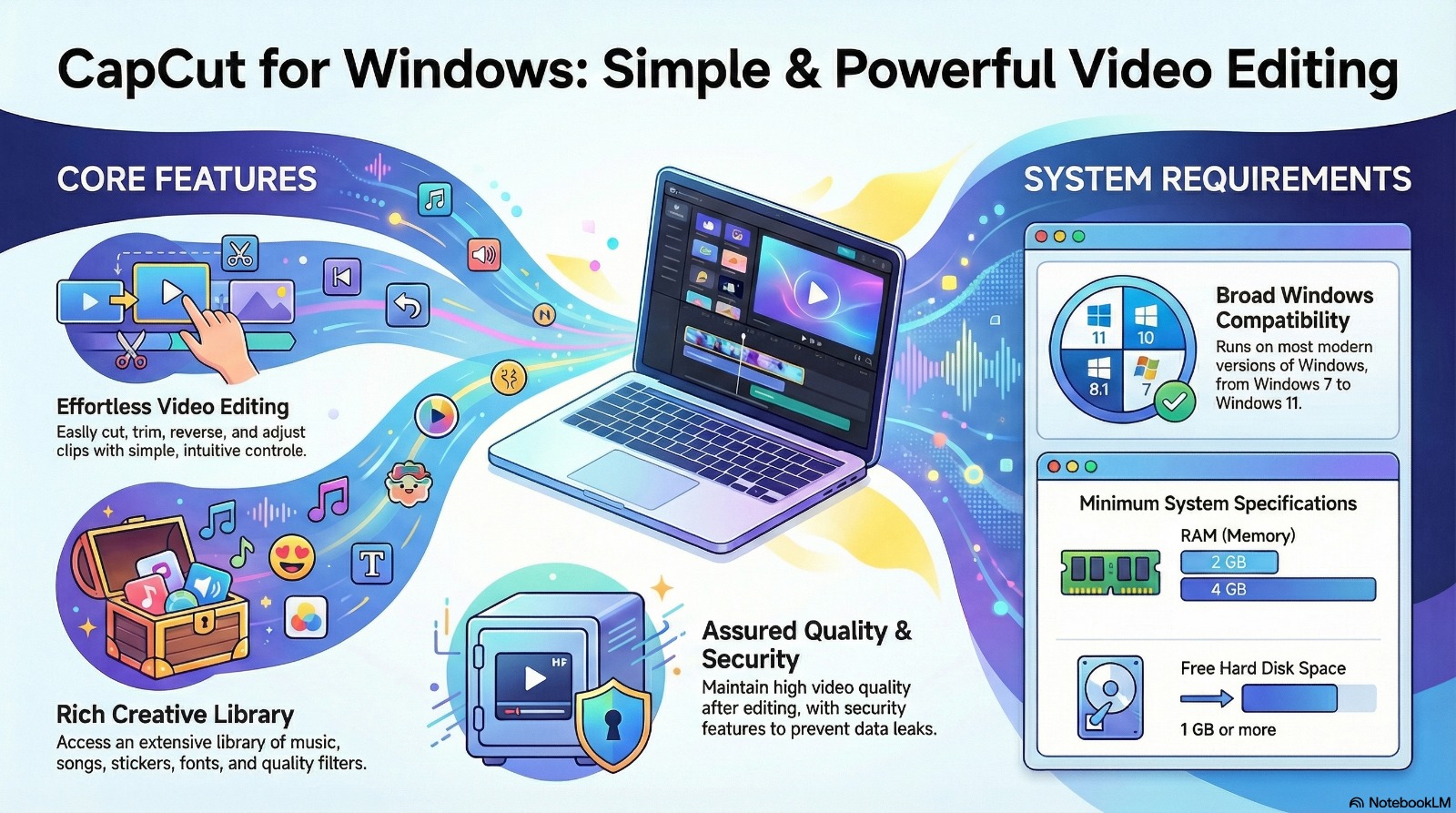
- Operating System: Windows 11, Windows 10, Windows 8.1, Windows 7
- Memory: Minimum 2 GB RAM (4 GB recommended)
- Storage: At least 1 GB of free disk space
- Processor: Compatible Intel or AMD processor
Who Should Use Wondershare PDFelement Pro?
This software is suitable for students, professionals, businesses, and teams that need reliable PDF editing, OCR, and document management tools. It is commonly used for office documents, legal files, academic papers, and business reports.
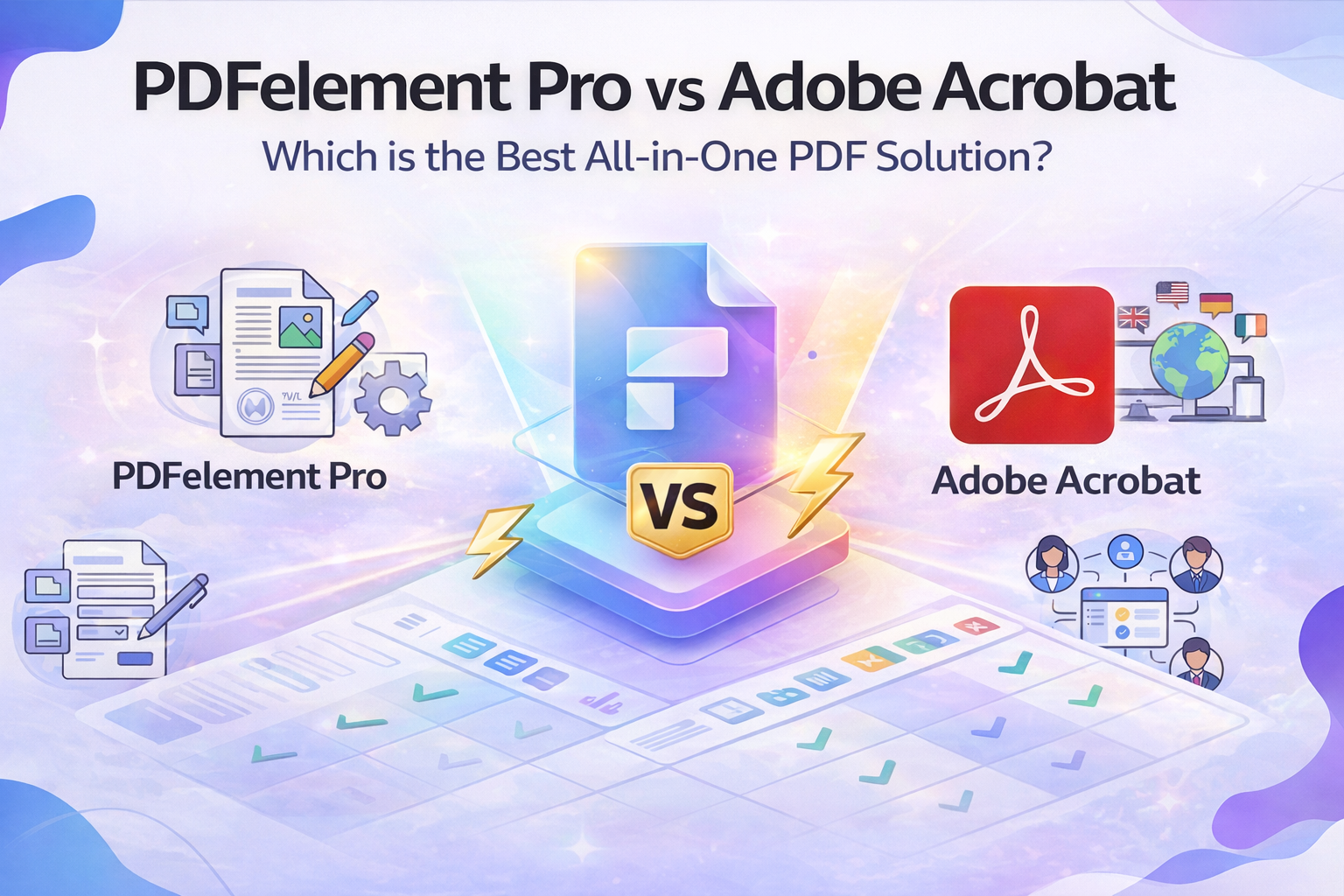
Wondershare PDFelement Pro vs Adobe Acrobat – Feature Comparison
When choosing a professional PDF editor, Wondershare PDFelement Pro and Adobe Acrobat are two popular options. Both offer strong PDF management capabilities, but they differ in pricing approach, usability, and target audience. The table below highlights the key differences to help users make an informed decision.
| Feature | Wondershare PDFelement Pro | Adobe Acrobat Pro |
|---|---|---|
| User Interface | Clean, modern, beginner-friendly | Feature-rich but complex |
| PDF Editing | Full text, image, and page editing | Advanced editing tools |
| OCR Support | Yes, accurate OCR for scanned PDFs | Yes, industry-grade OCR |
| PDF Form Handling | Supports interactive & XFA forms | Advanced form creation & handling |
| File Conversion | PDF to Word, Excel, PPT, images | Wide format support |
| Performance | Lightweight and fast | Heavier on system resources |
| Pricing Model | One-time license & subscription options | Mostly subscription-based |
| Learning Curve | Easy for new users | Steeper for beginners |
| Best For | Individuals, small teams, businesses | Enterprises & power users |
| Platform Support | Windows, macOS, iOS, Android | Windows, macOS, mobile |
Which PDF Editor Should You Choose?
Wondershare PDFelement Pro is well-suited for users who want a powerful yet easy-to-use PDF solution without a steep learning curve. It is commonly preferred by students, freelancers, small businesses, and professionals who need efficient PDF editing and OCR features at a more accessible cost.
Adobe Acrobat Pro, on the other hand, is often used by large organizations and enterprises that require advanced document workflows, deep integrations, and extensive form creation tools. Its feature set is robust but may feel complex for casual or first-time users.
Both tools are capable PDF editors, and the right choice depends on workflow complexity, budget preference, and ease-of-use requirements.
All works great except for AI. Thanks